


Exchange GroupCalendar Free/Busy viewer
Complementary software for Exchange group calendar 3.0
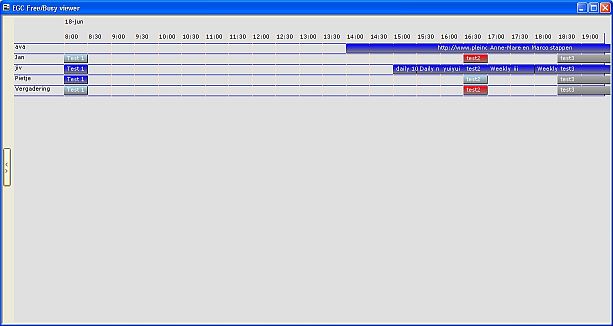
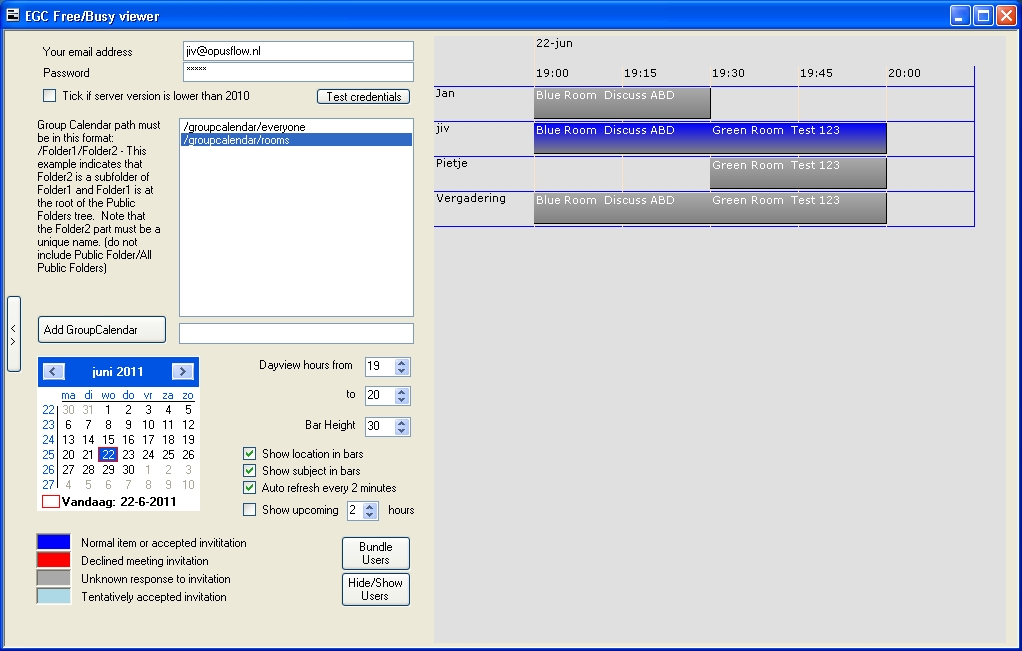
The Free/Busy viewer is a Windows pc client based tool that one can use to get a horizontally oriented view (Gantt) of the Exchange Group Calendars. It can be used with Exchange GroupCalendar version 3 or higher and has a number of interesting features.
Debbie Mortimer – Reeves & Co LLP Accountants – 300 employees
“Looking up the of 100 partner/staff calendars in our Canterbury office whilst answering a client call efficiently has always been tricky. We used a printed outlook view based on a group calendar which was two sheets of A4 stuck together! Of course it was always out of date. I now print a snapshot from the free/busy program (just in case) and use the program on my second screen full time. The free/busy viewer is quick, accurate and clear. Its lovely and a real help when dealing with clients.”
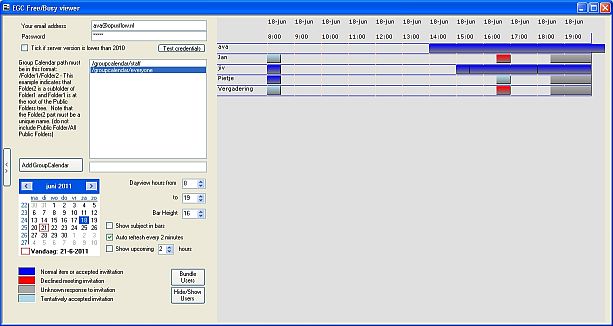
Features
- xcopy installation (extract 2 files from a zip file to a pc)
- Full screen option (kiosk mode)
- Auto refresh and Auto scroll the next couple of hours
- Shows or hides meeting/appointment subject in bars
- Shows or hides meeting/appointment location in bars
- Indicates meeting response by color (accepted/declined)
- bundle users or resources together on one row
- configurable bar height and text size (resulting in more or less rows on a page)
- print the schedule
- Unlimited number of rows (users/resources)
- Display bars in color corresponding to the category of the item
- Download the User Guide PDF file here.
Download
This is a free product for EGC licensees. Works without having MS Outlook installed on the workstation.
To install, download the zip file, extract and start the executable. When it won't start make sure that .Net 3.5 is enabled
When you use office 365 please add the following 2 lines to the config.ini file
[Override]
ManualURL=https://outlook.office365.com/EWS/Exchange.asmx